
Wintomic App for Android, iPhone and macOS
Take your casino account onto the device you use most. Wintomic App access covers Android and iOS, with a separate installation option for macOS and a promotion offering 200 Points for installation. Continue with one personal profile for games, bonuses and payments, or use browser access when you prefer to start without installing anything.
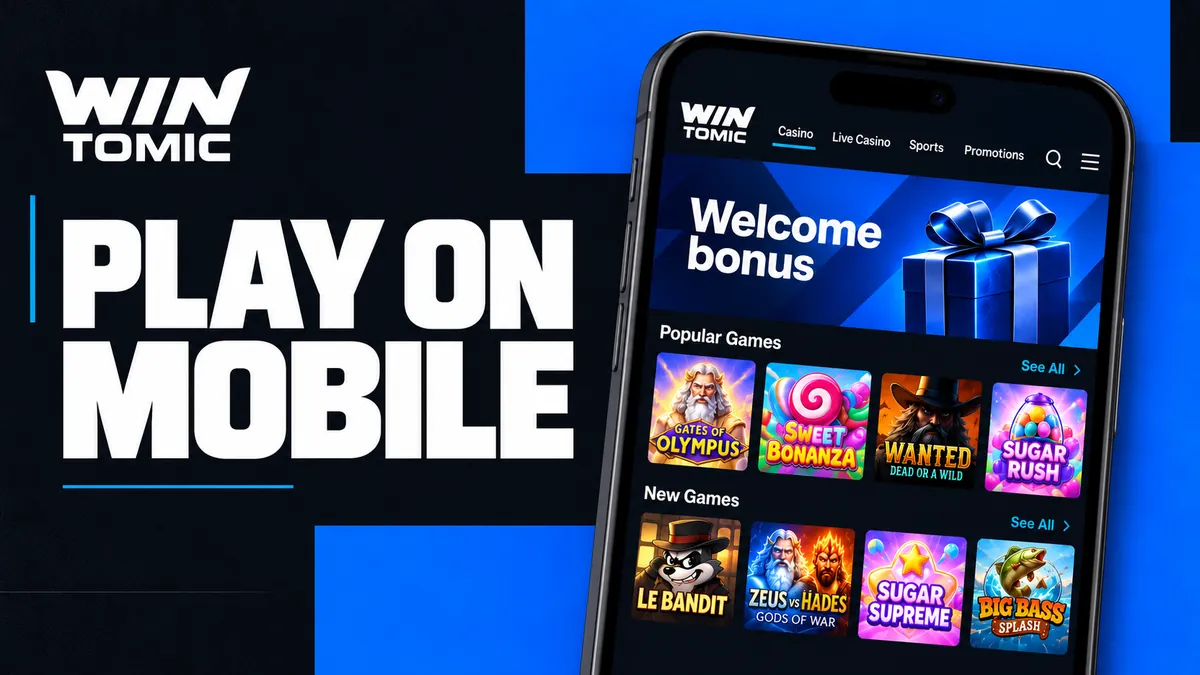
Installing Wintomic on Your Preferred Device
Start from the platform’s installation option and choose the route for your device. Android, iOS and macOS serve different systems, so a file or instruction intended for one should not be treated as interchangeable with the others.
For a Wintomic download, keep the source tied to the platform. Avoid files sent by unknown accounts or pages promising an extra installation bonus in exchange for your password. A familiar logo alone does not establish where an installer came from.
Android Installation Options
Start from the Android device you intend to use:
- Open Wintomic and select its installation option.
- Follow the instructions presented for that device.
- Sign in using your existing profile.
Installation and registration are different actions. Repeating installation does not reset the account.
If the phone asks for permission associated with an installation, read what is being granted before proceeding. An installation prompt should not be a reason to disable unrelated security settings. Keep Android updated and retain access to the email or sign-in service linked to the account.
iPhone and iPad Access
Use the iOS route from an iPhone or iPad, or open the platform through Safari for browser play. The browser option is useful when you want to reach the account immediately without adding an installation step.
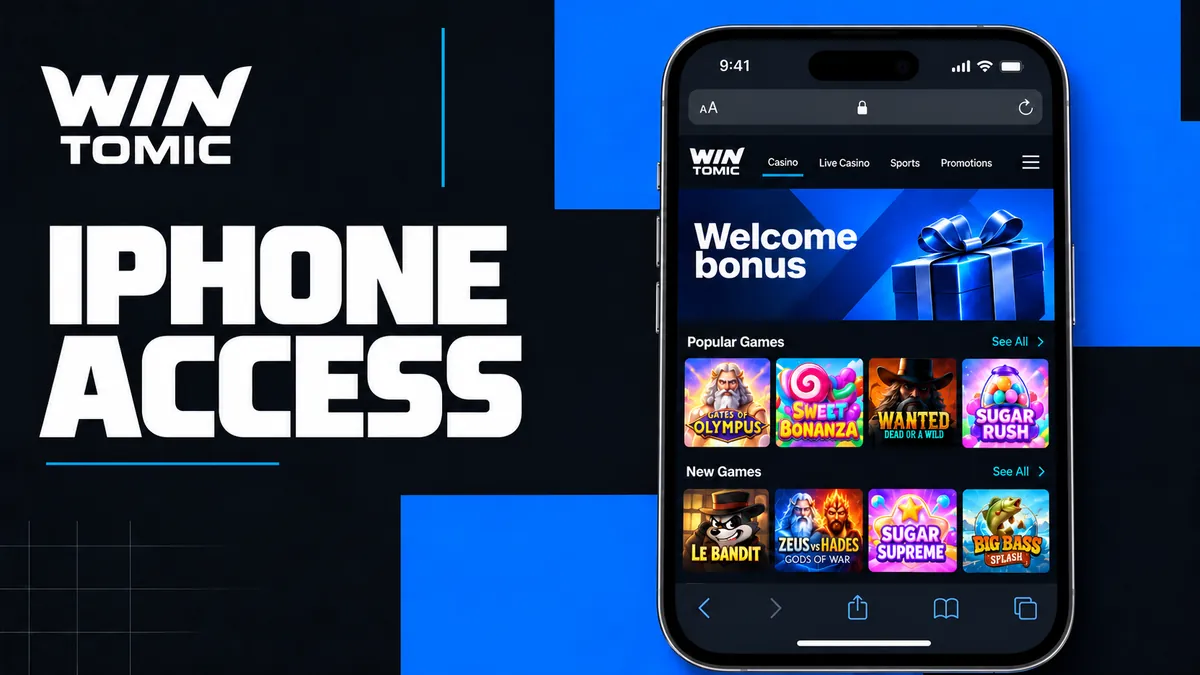
A saved browser shortcut and a downloaded application are different kinds of access. Both should lead you back to the intended casino address and the same account. When sharing an Apple device, use its lock screen and close the session before another person uses the browser.
The macOS Application Option
The Wintomic macOS installation option is intended for Apple computers. Choose it from the platform rather than assuming the mobile route also supplies a desktop client. Keep your account details ready for the first sign-in after installation.
The larger display is useful for reviewing game rules, comparing account transactions and preparing a support enquiry. It does not create a different welcome package or remove the checks that apply to the same profile on a phone.
The 200 Wintomic Points Installation Reward
The installation offer awards 200 Points, which belong to the Wintomic Points programme. The figure is not a deposit, a cash withdrawal or a batch of 200 free spins. Keep the reward type clear when reviewing the account after installation.
Points can be exchanged for real money under the programme’s exchange conditions. That does not establish a one-point-to-one-dollar rate. If you contact support about an installation reward, describe the device and installation action rather than reporting the points as a missing cash deposit.
| Benefit | Reward format | Keep separate from |
|---|---|---|
| Installation promotion | 200 Points | Account currency and deposits |
| Email verification promotion | 20 free spins | Installation points |
| Phone verification promotion | 20 free spins | Document approval |
The two verification offers are separate campaigns. Installation does not by itself complete email confirmation, phone confirmation or the identity checks required for financial actions.
Casino Games and Betting from Your Phone
The Wintomic mobile experience gives you access to the casino while keeping account functions close to the games. Select a title or category according to what you want to play, and check its controls before committing a stake on the smaller screen.
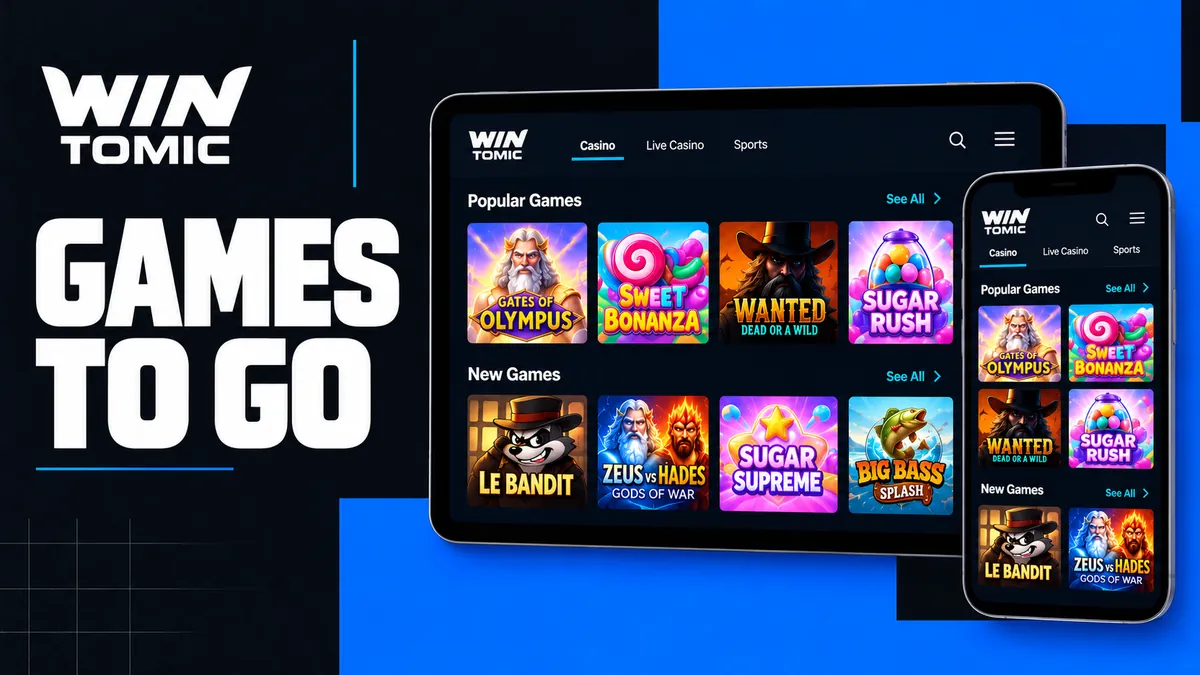
The Wintomic casino catalogue brings together slots, live tables and fast formats. The sportsbook adds scheduled events and live markets. These products share account access, but each retains its own rules, settlement and promotional eligibility.
Finding Slots and Returning to Your Favourite Games
Use a title or provider name to narrow the selection. Wild Tiger and Burning Chilli X are useful examples for players using the welcome spins, because the promotion assigns those titles to specific stages. The assignment matters even when other games appear alongside them in the lobby.
Before starting, open the paytable and identify the total stake. Changing paylines can change the amount committed per spin. Theoretical RTP is a long-run mathematical value, not a forecast of the balance after your next few rounds.
A demo option, where offered, allows practice without using real funds. Demo results remain separate from Wintomic bonus progress and cannot be withdrawn. Confirm when you switch from practice credits to the cash or promotional balance.
Live Tables and Quick Games
Before joining a live round on your phone:
- Use a reliable connection to follow the dealer and betting window.
- Confirm that the wager was accepted, rather than relying on a displayed selection.
- Check the round record if the stream stops before attempting the same wager again.
Quick games need the same attention to stakes. Aviator rounds can be brief, but several small bets still form part of one session total. Past results do not predict the next multiplier, and a cashout inside a game is different from sending a withdrawal request to a payment method.
Signing In and Managing Your Wintomic Account
Use the same profile on the phone, tablet and computer. Your account information should remain consistent across devices, including personal details and the ownership of payment methods. Do not create a new registration simply because you installed the app on a second device.
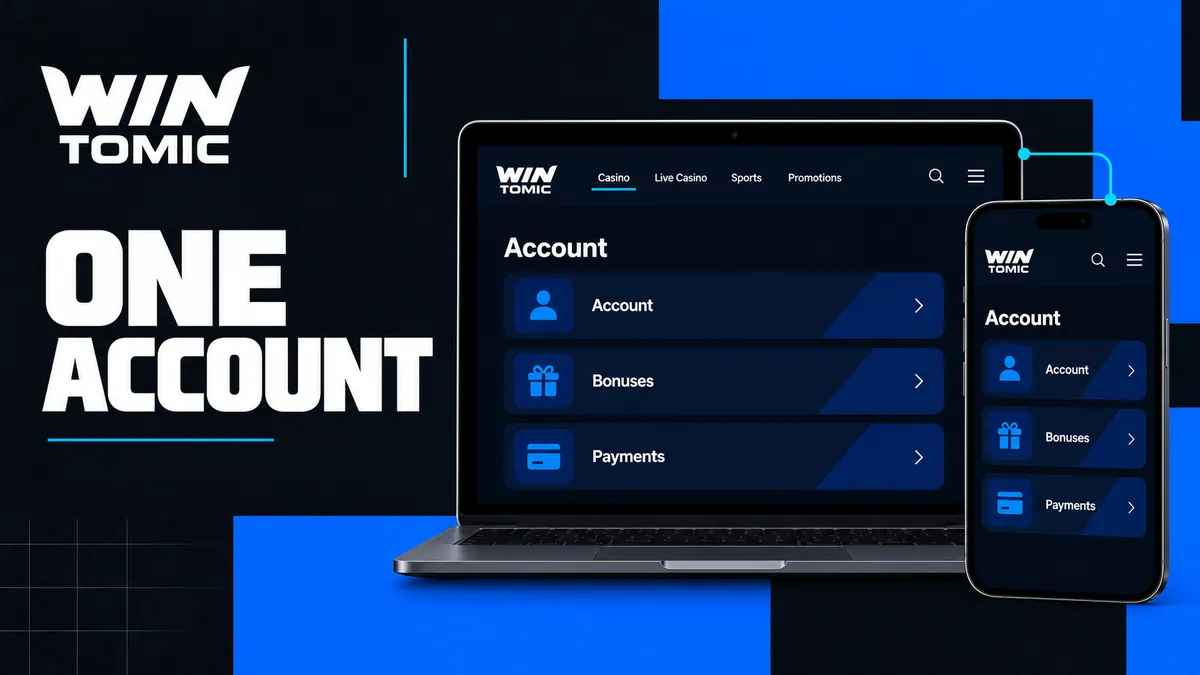
For Wintomic login, keep access to the email or social service used for registration. If credentials are forgotten, use the account recovery route rather than attempting multiple registrations. A restricted account also needs support or verification, not another installation.
Complete requested identity checks through the designated process. A phone can help you capture clear images, but the information must still match the profile. Address evidence may need to be dated within three months, and payment ownership can require separate confirmation.
Bonuses, Balance and Payments on Mobile
Review the selected offer before funding the account. The standard welcome package totals 300% and 350 spins across four deposits, with a published qualifying minimum of USD 11.50. That promotional amount should not be mistaken for the minimum transaction value of every payment method.
No code is needed for the standard Wintomic welcome bonus. After the qualifying payment and activation, the spin allocation is divided into two portions, with the second following 24 hours later. A smaller initial delivery is therefore not automatically a failed reward.
When managing account transactions, distinguish these stages:
- A payment selected or prepared but not confirmed.
- A deposit accepted by its external provider.
- A deposit credited to the casino account.
- A withdrawal request under account review.
- A payout sent to the receiving provider.
Keep references for the affected operation. The same payment instrument must belong to the account holder whether the transaction starts on a phone or computer. Crypto funding also requires matching the asset and network presented in the payment instructions.
Protecting Your Session on Shared Devices
Use the phone or computer’s lock screen and avoid leaving a signed-in account available to other people. Do not store a password on a shared device, and sign out before handing it over. Protecting the device complements the platform’s handling of account information.
Wintomic support does not need your password or one-time sign-in codes to investigate a payment or game issue. If an enquiry needs a screenshot, show the relevant status and remove unrelated personal information. Avoid sending full financial records when a transaction reference is sufficient.
Keep installation access separate from marketing messages. An email or chat account offering a new version is not automatically an authorised download source, even if it uses the same brand colours.
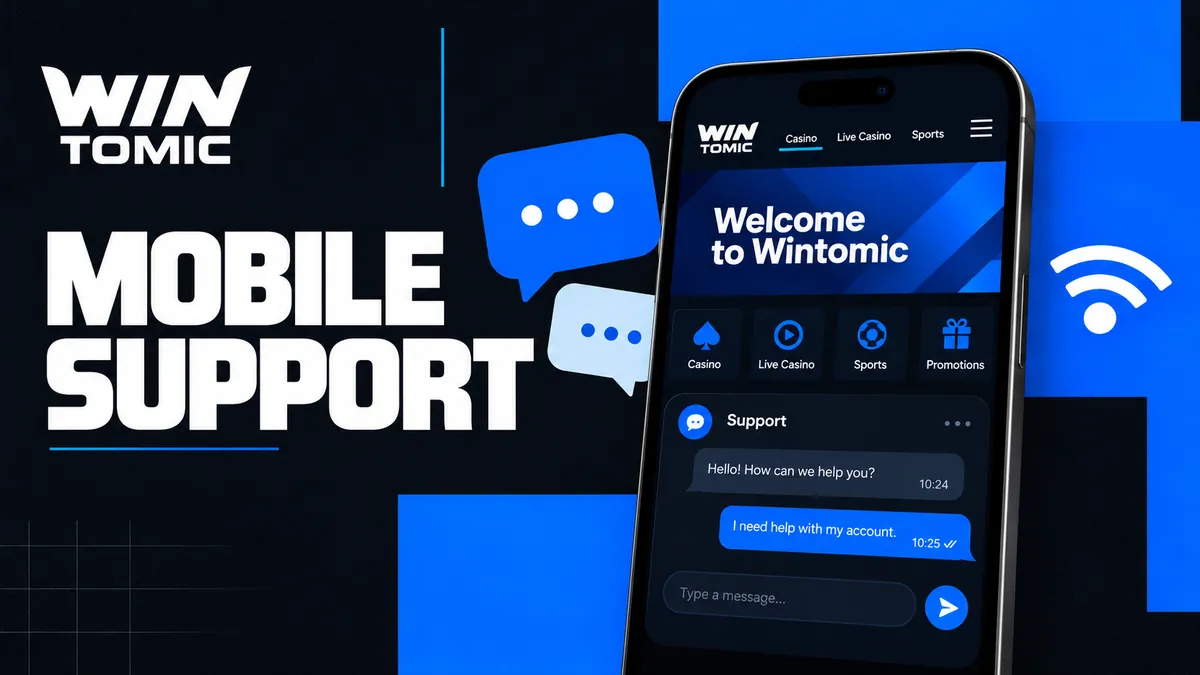
Help with Wintomic App Access and Loading Problems
Identify whether the problem affects sign-in, one game, the full lobby or a payment operation. That distinction helps you avoid unnecessary reinstalls and gives the support team a clear starting point.
| Issue | Useful first check | Details to retain |
|---|---|---|
| Sign-in fails | Registration method and recovery access | Exact error message |
| One game stops loading | Whether other games work | Title and round reference |
| Deposit is missing | Provider confirmation and account history | Payment reference |
| Installation reward is absent | Device and installation action | Reward name and date |
| Connection drops | Device connection and session status | Time the interruption occurred |
Contact [email protected] with the relevant details. The support service operates 24/7, but an immediate reply should not be confused with completion of a payment review or identity check. Do not make a second payment just to test whether the first one will then appear.
Responsible Play Across Mobile and Desktop
Set a budget and stopping time before opening the account. A phone makes the casino convenient to reach, so deliberate session boundaries matter. Turn away from the game when you feel pressure to recover a loss or continue beyond the time you planned.
Use the account-control process when you need a longer break:
- Self-exclusion has a minimum period of six months under the responsible-gaming policy.
- Contact support to arrange the restriction; uninstalling an app or shortcut does not restrict the account.
Keep the same budget and stopping time when switching devices; moving from your phone to a computer should not restart the session.
Frequently Asked Questions About the Wintomic App
Yes. Browser access offers an alternative to the installation route. Continue with the same account, and use the platform’s device-specific option if you later decide to install.
No. Installation awards 200 Points, which belong to the Points programme and have their own exchange conditions. They are not 200 dollars or 200 units of another account currency.
No. One personal profile should be used across your devices. A second installation does not create a new-player account or a separate entitlement to the welcome package.
Use the installation option on the platform and choose Android, iOS or macOS as appropriate. Avoid unknown files shared through messaging services or pages asking for your password to unlock a download.
Send your device, game title, approximate time and the exact error message. Include the round reference if available. Do not include your password, sign-in code or unrelated financial information.